Every type of networking job we carry out, with when you need it, what's involved and how long it takes. Domestic, commercial and industrial.
Office networks
Switches, routers and firewalls.
- When you need it
- You are fitting out an office or your current network is slow and unreliable.
- What's involved
- Router, firewall and switches installed, configured, tested and documented.
- How long it takes
- Usually one to two days, depending on size.
- Who it's for
- Commercial office networks
VLAN set-up
Separating staff, guest and CCTV traffic.
- When you need it
- Staff, guests and cameras all share one flat network.
- What's involved
- Switches and firewall configured with separate VLANs and rules, then each network tested.
- How long it takes
- Usually half a day to a day.
- Who it's for
- Commercial and industrial VLAN set-up
Network tidy-ups
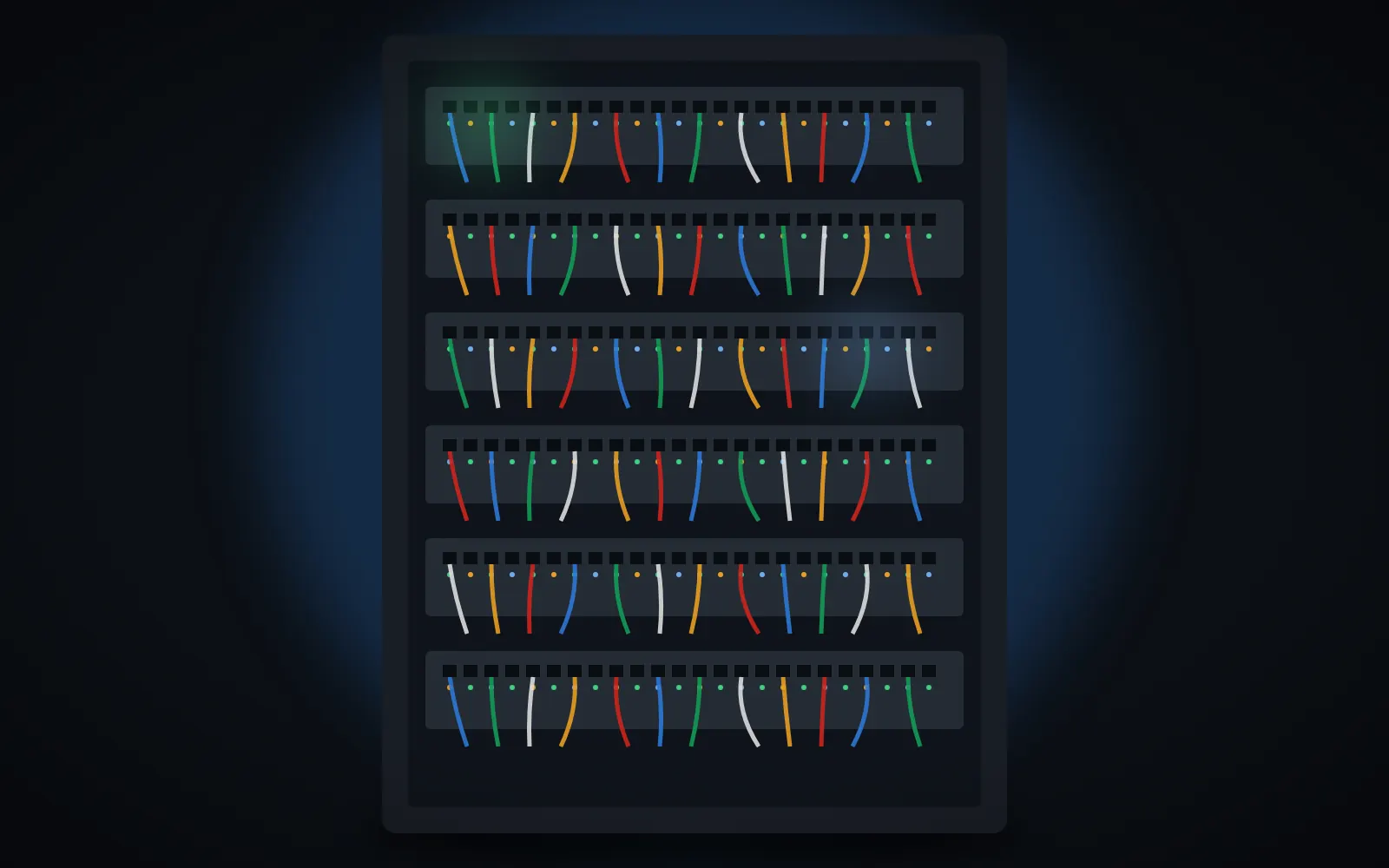
Labelling and organising cabinets.
- When you need it
- Your cabinet is a tangle of cables and nobody knows what connects where.
- What's involved
- Cables traced, re-patched with correct lengths, labelled and recorded on a patch schedule.
- How long it takes
- Usually a day per cabinet.
- Who it's for
- Commercial and industrial network tidy-ups
Multi-site networks
Connecting branches securely.
- When you need it
- Branches or buildings need to share files and systems securely.
- What's involved
- Site-to-site VPNs set up between firewalls, routing configured and links tested.
- How long it takes
- Often two to three days, depending on the number of sites.
- Who it's for
- Commercial and industrial multi-site networks
Firewall installation
Business firewalls installed and configured to block threats, control access and secure remote working.
- When you need it
- You rely on a basic broadband router or need secure remote access.
- What's involved
- Firewall fitted, rules and VPN access set up, updates enabled and traffic tested.
- How long it takes
- Usually half a day.
- Who it's for
- Commercial and industrial firewall installation
Network switch upgrades
Old or unmanaged switches replaced with managed switches for faster, more reliable and easier-to-manage networks.
- When you need it
- Your network is slow, switches are failing or you need more ports.
- What's involved
- New switches fitted, ports configured, leads repatched and the network tested.
- How long it takes
- Usually half a day to a day.
- Who it's for
- Commercial and industrial network switch upgrades
Business router set-up
Business broadband routers and backup connections set up so the office stays online and properly secured.
- When you need it
- You have a new broadband line or keep losing connection.
- What's involved
- Router installed, secured, backup line configured if required and connection tested.
- How long it takes
- Usually a few hours.
- Who it's for
- Commercial business router set-up
Network fault finding
Slow speeds, dropouts and connection problems traced to their cause and fixed, from cabling to configuration.
- When you need it
- Your network drops out, runs slowly or devices cannot connect.
- What's involved
- Cables, switches and settings tested, the fault isolated and repaired or reconfigured.
- How long it takes
- Usually a few hours.
- Who it's for
- Domestic, commercial and industrial network fault finding
Network audits
A full review of your network equipment, security and documentation with clear recommendations for improvement.
- When you need it
- You have inherited a network nobody understands or are planning upgrades.
- What's involved
- Equipment inventoried, settings and security reviewed and a report with diagrams produced.
- How long it takes
- Usually a day on site.
- Who it's for
- Commercial and industrial network audits
Home office networks
Reliable wired and wireless networks for people working from home, with good coverage and secure set-up.
- When you need it
- Video calls drop or your home office has weak signal.
- What's involved
- Router position reviewed, cabling or access points added, devices connected and speeds tested.
- How long it takes
- Usually half a day.
- Who it's for
- Domestic home office networks